Skip to content
Electrician Answering Pro

Electrician Phone Answering Service That Takes Job Details

Our electrician phone answering service answers forwarded calls as your business, flags urgency and books routine appointments. Try the AI receptionist in the browser demo with a sparking outlet or an EV charger quote.

Safety steps for sparks and burning smells. On-call alerts for urgent calls. Booking for routine work.

Try an electrical call Try it free

Free trial on request: 14 days, up to 100 minutes.PrivacySecurity

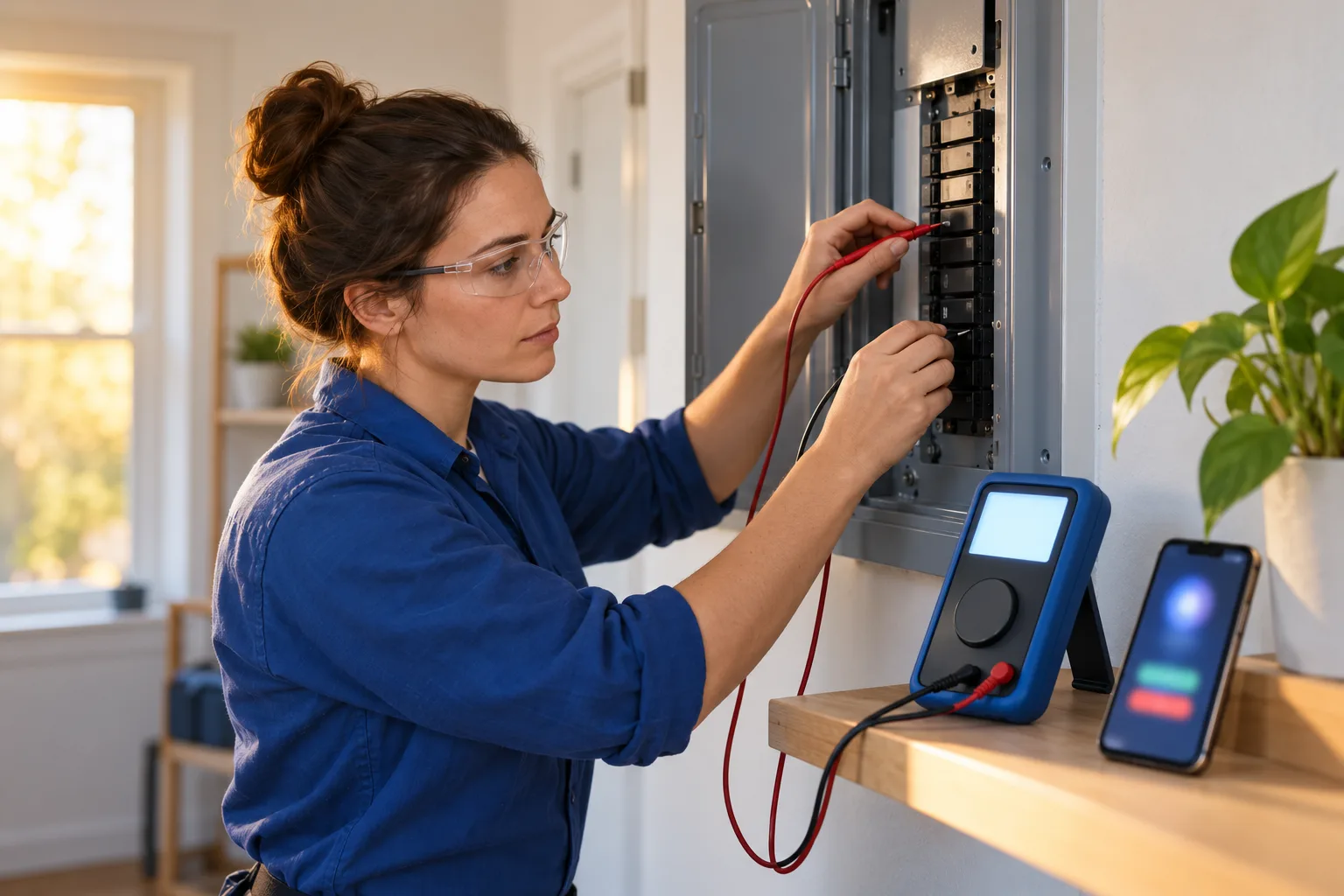
An electrician testing a residential breaker panel with a multimeter
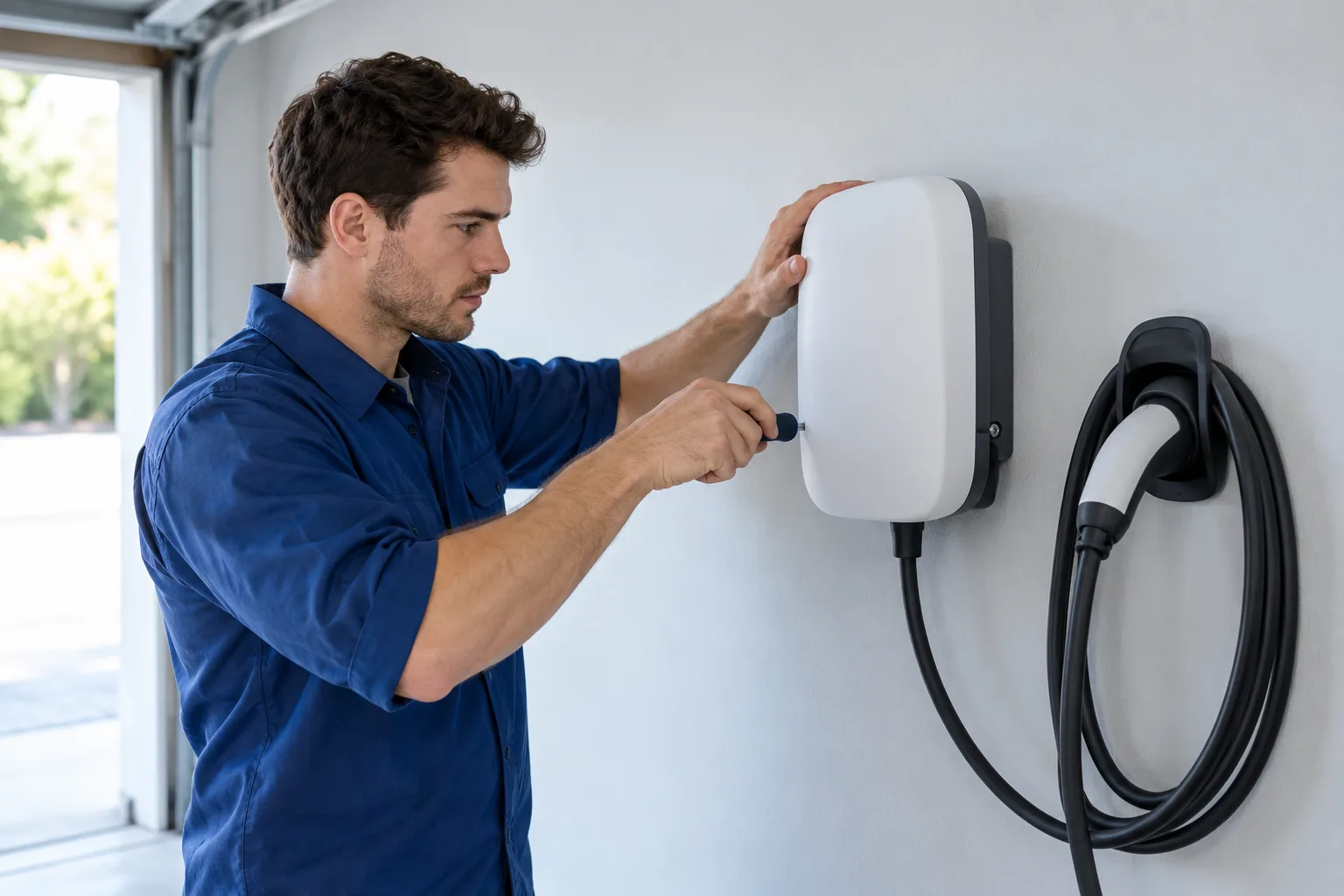
An electrician mounting an EV charger on a clean garage wall

Keep job calls moving while your hands are full

Calls can arrive while you are testing a circuit, taking lunch or finishing the last job. Your receptionist answers forwarded calls and gathers the details for your next step.

During jobs

Take the caller's details while you keep your attention on the work.

After hours

Separate a request for an estimate from a caller reporting smoke.

During busy periods

Give callers a way to explain the job without waiting for your callback.

Keep reading

A missed call can mean a quote request goes elsewhere or an existing customer waits to explain a problem. Forward calls when you cannot answer, when your line is busy or after closing. You can also forward all calls if that suits your shop.

An answering service for electrical contractors needs to distinguish an install request from a safety concern. Your receptionist asks about the problem and follows the urgency rules you set. It records the message for your review, so you can decide what deserves attention before returning routine calls. It cannot inspect a fault or decide whether a property is safe.

Get the fault, location and urgency before you call back

Your receptionist asks what is happening, where the job is and how to reach the caller. It flags urgent details and follows your instructions for reaching the on-call person.

Job details

Capture the location, callback number and reason the caller needs an electrician.

Urgency checks

Treat sparks, smoke, shocks and burning smells as safety concerns before discussing appointments.

Useful messages

Receive a summary, urgency tag, transcript and recording by email and app push.

Keep reading

For an EV charger request, your receptionist gathers the job details and can book an appointment in Google Calendar. For power out in half a house, it asks intake questions and flags the call under your rules. It does not give DIY wiring instructions.

Sparks, a burning smell, shock or smoke trigger the safety script. The caller is told to keep away, touch nothing, get everyone out first if there is smoke or flames, switch the main breaker off only at a dry panel safe to reach, and call 911, then your on-call electrician is alerted. For urgent transfers, the on-call person hears a short summary and presses 1 to accept. You set the contact order and choose warm transfer or paging.

Hear a safety call and a quote request in the demo

The browser demo lets you test a fictional electrical business before using your own calls. Listen for the opening disclosure, the urgency questions and the details left for the owner.

Burning panel smell

Listen for safety instructions before the conversation turns to reaching an electrician.

EV charger quote

Hear how an ordinary install request becomes a useful appointment intake.

Customer rescheduling

Check whether the receptionist gathers the details needed to handle a changed appointment.

Keep reading

Use the demo below to describe a sparking outlet, a panel upgrade estimate or power out in half the house. These scenarios use a fictional business. No signup is needed to try them, and each demo call runs for three minutes.

A burning smell should bring safety instructions first; a panel upgrade estimate should bring intake questions. The greeting should identify a virtual assistant and say the call is recorded. After the conversation, review the owner view for the summary and urgency tag. Open the full browser demo to try the other scenarios or type instead of speaking.

Pretend business (fictional): Voltwise Electric

Pick a scenario, then press Speak with it.

Made upUrgent12:36 a.m.

New message for Voltwise Electric

Burning smell from the panel.

Safety script read: keep away, main breaker off only if the panel is dry and safe to reach, call 911. On-call electrician alerted.

Call transcript, shortened (example)

  1. Assistant Thanks for calling Voltwise Electric. I am a virtual assistant and this call is recorded. How can I help?
  2. Caller Describes the situation: burning smell from the panel.
  3. Assistant Please stay away from it. If the panel is dry and safe to reach, you can turn off the main breaker. If you see smoke or flames, get everyone out first. Please call 911 now. I am alerting the on-call electrician.

Full transcript and recording are in the dashboard.
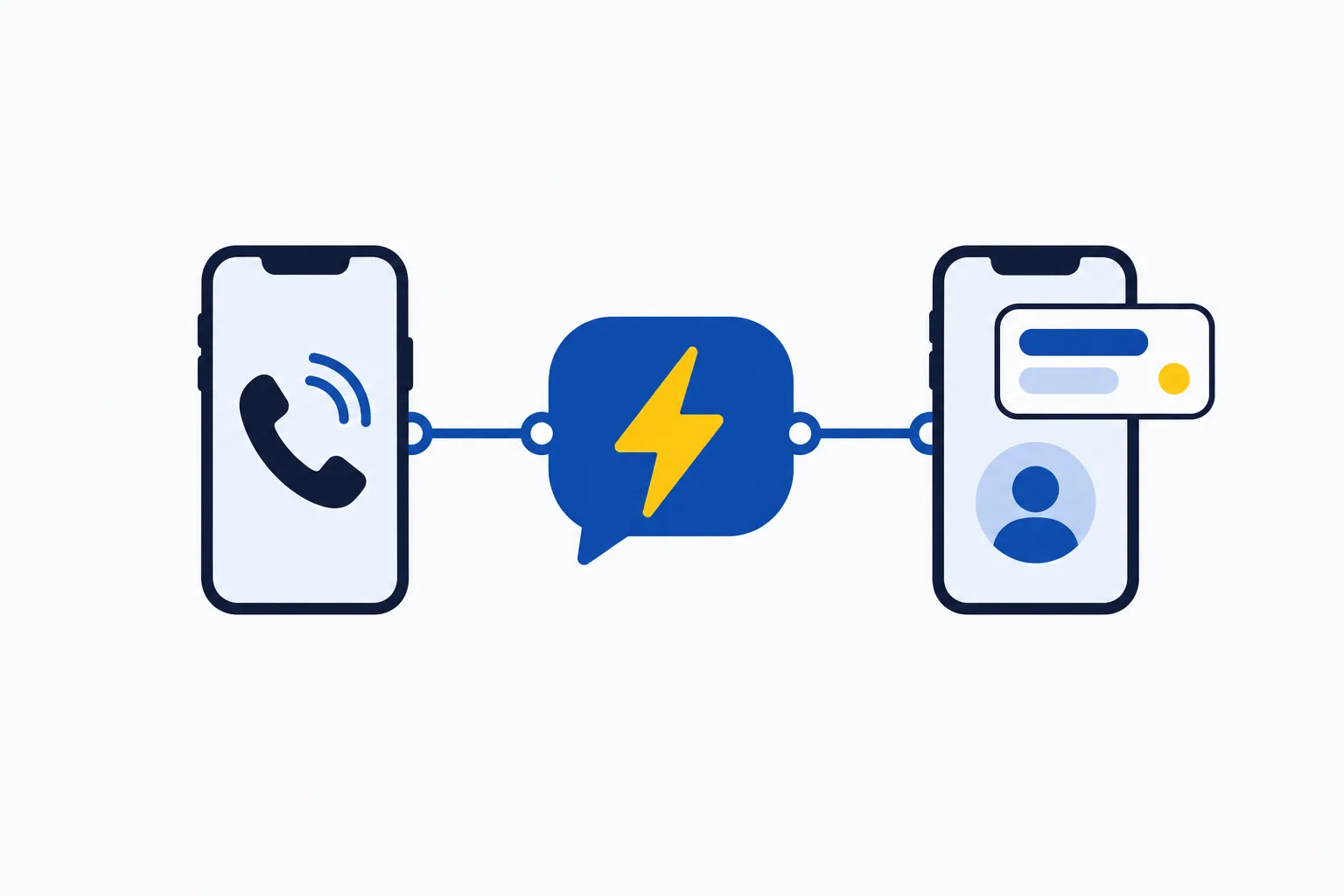
Example owner message after a call like this one.

Illustration: a phone, an AI bubble with a lightning bolt, an owner phone with an alert card

Forward your number and receive messages, alerts and bookings

Keep your business number and forward the calls you want answered. Your receptionist uses your business instructions, then sends email and app push alerts with the call record.

Choose forwarding

Send all calls, unanswered calls, busy calls or after-hours calls to your receptionist.

Answer as your business

Use your services, coverage area, hours and urgency instructions during intake.

See the result

Review call records in your dashboard, with a daily digest by email.

Keep reading

We provide a local number in your area code and a forwarding guide for your carrier or phone system. Your existing number stays the number customers call. Once forwarding is active, your receptionist answers day and night according to the setup you choose.

The onboarding chat covers your services, service area, hours, price policy and urgent contacts. Your website supplies business information too. Choose Google Calendar booking or have the receptionist take details for your callback.

Calls, transcripts, recordings and usage appear in the dashboard. You can change settings by telling the AI in plain words. Read how forwarding and intake work before setting up your test call.

Dashboard example using made-up calls

Compare AI, a live answering service and voicemail

AI handles intake using your instructions, a live receptionist brings human judgment, and voicemail collects a message. Choose around the conversations your electrical business needs and the coverage you want.

AI receptionist

Follows your intake rules, flags urgency and offers booking on forwarded calls.

Live receptionist

Brings human judgment to unclear requests and conversations that need personal handling.

Voicemail

Gives callers a place to leave details for you to review and return.

Keep reading

An electrician answering service should earn its place by handling the kinds of calls your shop receives. Our AI receptionist can ask intake questions, route urgent calls and book appointments using your business instructions. It can make mistakes, so review its summaries and keep a backup way to be reached.

A live receptionist offers a person who can ask follow-up questions with human judgment. That can matter when a caller has trouble explaining what they need. Voicemail can suit a business that wants to return messages itself, but it does not conduct an intake conversation. Try the same job scenario against the options you are considering and compare what reaches you afterward.

Compare call costs, then check our monthly plan

Our plan costs $249 per month with 500 AI minutes included and $0.20 per extra minute. Compare total handling costs across options, including time spent returning incomplete messages.

AI minutes

Compare the included allowance with the amount of call handling your shop needs.

Live coverage

Ask a provider how its billing treats intake, transfers and time beyond the allowance.

Your own time

Count the work involved in reviewing voicemail and calling back for missing details.

Keep reading

The cost of handling one call depends on the option and how much conversation it takes. For our plan, start with the monthly allowance and the extra-minute rate. For a live service, ask for its current billing terms. For staff or voicemail, include the time your team spends handling and returning calls.

Our plan is $249 per month for 500 AI minutes, with additional minutes at $0.20 each. The free trial will give you 14 days capped at 100 minutes. During your trial, use it to check the intake and review your usage with actual forwarding in place. See the plan and trial terms for what is included and how cancellation works.

Monthly plan

$249 each month

  • Includes 500 AI minutes
  • $0.20 per extra minute
  • Free trial on request: 14 days, up to 100 minutes
  • Billed monthly, cancel online

Case-study price: $199 per month, locked for 12 months, for 10 businesses that agree to a short case study about their results.

Try it free

Add-ons

  • Website chatOptional
  • Lead follow-up callsOptional

Use call summaries with the software your shop already uses

Your receptionist sends call summaries you can enter into your existing software. Direct field-service and CRM connections are not live yet; appointment booking is available in Google Calendar.

Keep your records

Enter the call summary into the software where you manage the job.

Book appointments

Use Google Calendar when you want the receptionist to offer appointment booking.

Request a connection

Tell us which software matters to your shop; direct connections are planned by demand.

Keep reading

If your shop uses ServiceTitan, Housecall Pro, Jobber, FieldEdge or Service Fusion, plan to enter the receptionist's summaries yourself. The summary gives you the intake record to review before adding it to a job or customer record. Keep that manual step in mind when deciding whether this setup fits your office.

Google Calendar booking is available if you want appointments recorded there. You can instead ask for callback details and handle scheduling in your own system. Review the current software connection status before choosing your workflow. We plan direct connections according to demand, so tell us what you use without assuming a connection is available today.

Teach your receptionist, then test the forwarding

Setup starts with an email sign-in link and an onboarding chat about your business. Make a test call before going live to check intake, urgent routing and notifications.

Describe your shop

Explain your services, exclusions, coverage area, hours and rules for discussing prices.

Set urgent contacts

Choose who receives urgent calls and the order in which they are contacted.

Call before launch

Test the greeting, job intake and alerts before real callers reach the receptionist.

Keep reading

Start with your website and the onboarding chat's 10 to 15 questions. Tell your receptionist which work you take, which locations you cover and which calls need an urgent handoff. Set the on-call contact order and choose booking or callback intake.

Follow the forwarding guide to test an ordinary estimate request, then an urgent scenario. Check the email and app push alert, the transcript and the transfer destination. A card is required before forwarding goes live. Request a free trial for your business to test your own business instructions and phone arrangement.

Ask how safety, handoffs and records work before you sign

Ask any answering service to demonstrate a safety call, an urgent handoff and the message you receive. Those examples show whether its call handling fits your instructions and working day.

Check safety handling

Ask what a caller reporting sparks hears before an electrician is contacted.

Check the handoff

Find out who gets urgent calls and how they accept a transfer.

Check the record

Review the summary, recording access and what happens when service ends.

Keep reading

Ask what the receptionist says when a caller reports smoke, a shock or a burning panel smell. Then ask how the on-call electrician is reached and what happens if that person cannot take the call. Have the service demonstrate the setup you intend to use.

Ask whether it can take an EV charger request, handle Spanish and collect enough information for a callback. Ask which software connections are available, how recordings are retained and how billing works beyond the included allowance. Put the same questions to us. The demo lets you hear our intake; request a free trial to test your business rules before deciding whether to keep the service.

FAQ

Can the receptionist tell an emergency from an install quote?

Your receptionist asks intake questions and flags urgency using the rules you set. Sparks, smoke, shock and burning smells trigger safety instructions before your on-call electrician is alerted. An install quote follows the routine intake path. The AI cannot inspect the site or determine whether an electrical fault is safe.

Will it give callers DIY wiring advice?

It does not give DIY wiring instructions. For sparks, smoke, shock or a burning smell: keep away and touch nothing; if there is smoke or flames, get everyone out first; turn the main breaker off only if the panel is dry and safe to reach; call 911; then the on-call electrician is alerted. It then alerts your electrician. It is not an emergency service.

What does it say for fire, gas, CO or a medical emergency?

For a medical emergency or anyone in danger: hang up and call 911 right now. For fire: get everyone out first, then call 911 from outside. For a gas smell, a CO alarm or flooding near electricity: get everyone out and call 911 or the utility from outside.

Can I keep my existing business phone number?

Yes. You keep your number and forward the calls you want your receptionist to answer. Choose all calls or forwarding for no answer, a busy line or after hours. We provide a local number, a carrier or phone-system guide and a test call before you go live.

Will callers know they are speaking to AI?

The greeting says your receptionist is a virtual assistant and that the call is recorded. Those notices are part of each call and cannot be switched off. The receptionist answers as your business while being clear about the assistant handling the conversation.

Can it page my on-call electrician or transfer an urgent call?

You can choose a page or a warm transfer for urgent calls and set the order of your on-call contacts. With a warm transfer, the person answering hears a short summary first and presses 1 to accept the call. Test the routing with your own contacts during setup.

How do I receive messages after a call?

You receive an email and app push alert for each call, including a summary, urgency tag, transcript and recording. A daily digest also arrives by email. The dashboard holds your call records, usage and settings, so you can review the intake before returning a customer's call.

Can it book EV charger quotes and other appointments?

Your receptionist can gather the details for an EV charger quote or another service you offer, then book an appointment in Google Calendar. Tell it your services and price policy during onboarding. If you prefer to schedule yourself, it takes the information for your callback instead.

Does it speak Spanish and handle spam calls?

Your receptionist speaks English and Spanish, and callers can change language during the conversation. It also politely ends spam and robocalls. Use the demo to try a language switch, then review the transcript to see the details captured from the conversation.

What happens if the AI does not know an answer?

We use your onboarding answers and website to teach the receptionist about your business. Set your intake to collect callback details for questions that need your judgment. Review call summaries because the AI can make mistakes, and update its business instructions through the dashboard in plain words.

Can I try the receptionist before paying for a month?

Start with the browser demo, which needs no signup. For your own business, the free trial will last 14 days and include up to 100 minutes. A card will be required before forwarding goes live. You will be able to cancel online, and we will send a reminder two days before trial conversion.

Try the demo with a sparking outlet

Describe a burning smell or ask about a panel upgrade in the browser demo. Hear the response and read the call summary, then request a free trial.

Try the burning-smell call Try it free